
The shared workspace for the clinic and the dental laboratory
Less admin. Fewer misunderstandings. Every case under control.
Lab sheets, files, photos, deadlines, statuses, delivery and every question in one place — from the clinic to the laboratory and back.
Tailored walkthrough · No obligation
60-day Pro trial · No credit card
Case
CASE–2481
K. B. · 34 yrs
Zirconia crown · 3 units
Shade: A2
Deadline
Thursday 16:00
Teeth
- Created
- At the lab
- In production
- Shipping
Lab · G. Tóth
Scan received, the shade matches. Ready by Thursday.
How it fits together
One system for the case, the delivery and the invoice
Three things stop being separate the day a clinic and a laboratory work in the same place.
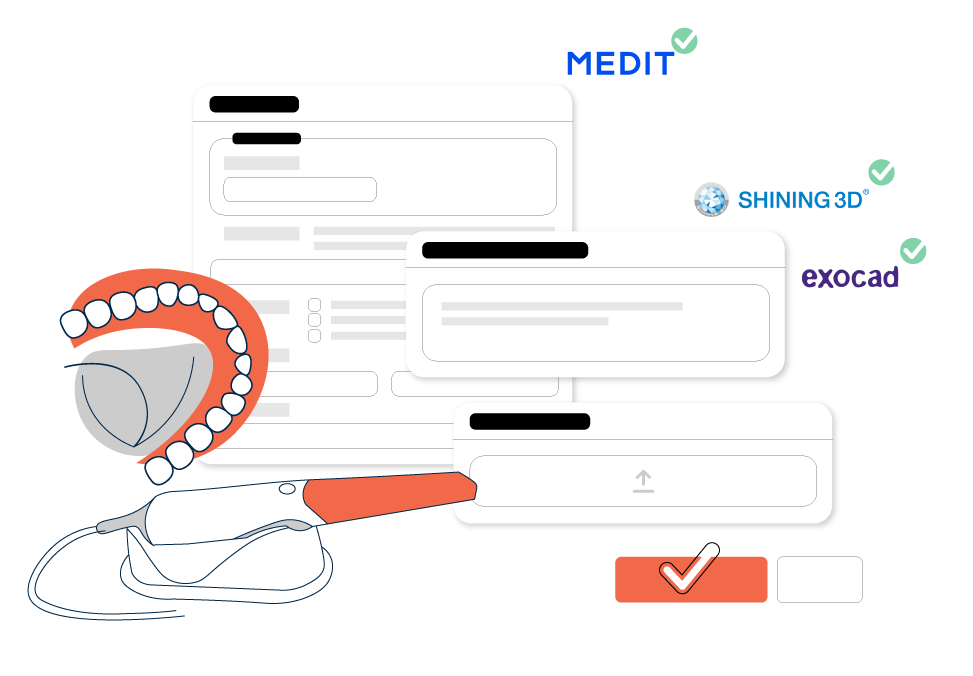
A digital lab sheet, a structured workflow, and nothing lost in between
Data, files, photos and statuses live in one system, so what passes between the clinic and the laboratory is filed and searchable instead of scattered across inboxes.
- One digital lab sheet for every case, analogue or digital.
- Live scanner integration with Medit Link and Shining 3D; STLs and designs from exocad and other software attach straight to the case.
- Quick professional questions, clinical photos uploaded from a phone, and a full searchable history.
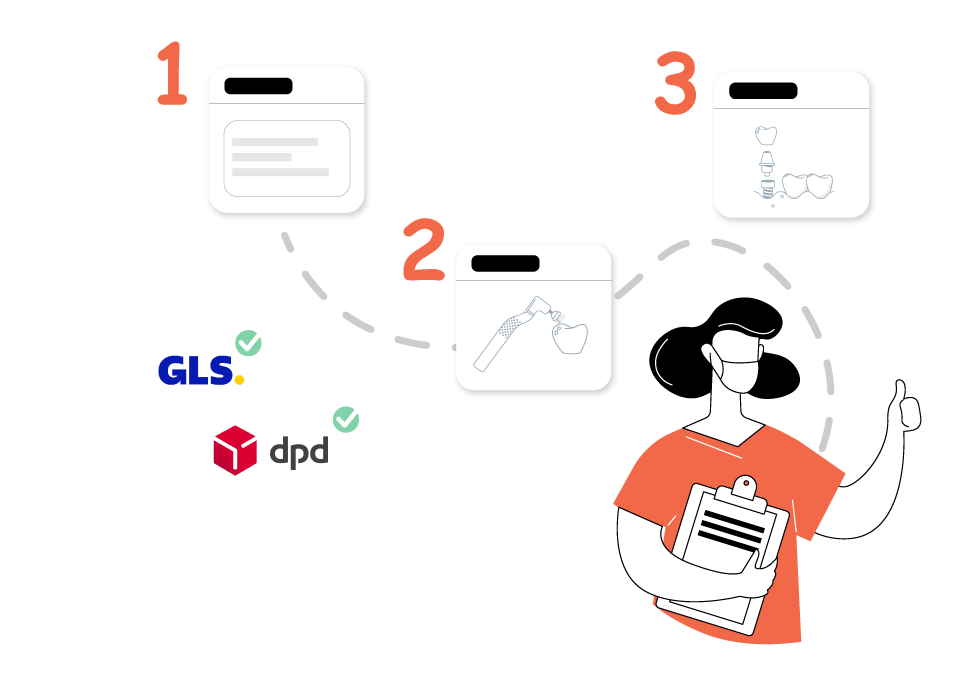
Delivery as part of the workflow, tracked in real time
Moving the work is part of the case, not a separate errand — so every package can be followed from the clinic to the laboratory and back.
- Nationwide delivery through GLS, DPD, MPL and FoxPost.
- Your own courier fits in the same workflow, tracked the same way.
- No courier of your own? DentalSync can arrange the delivery.
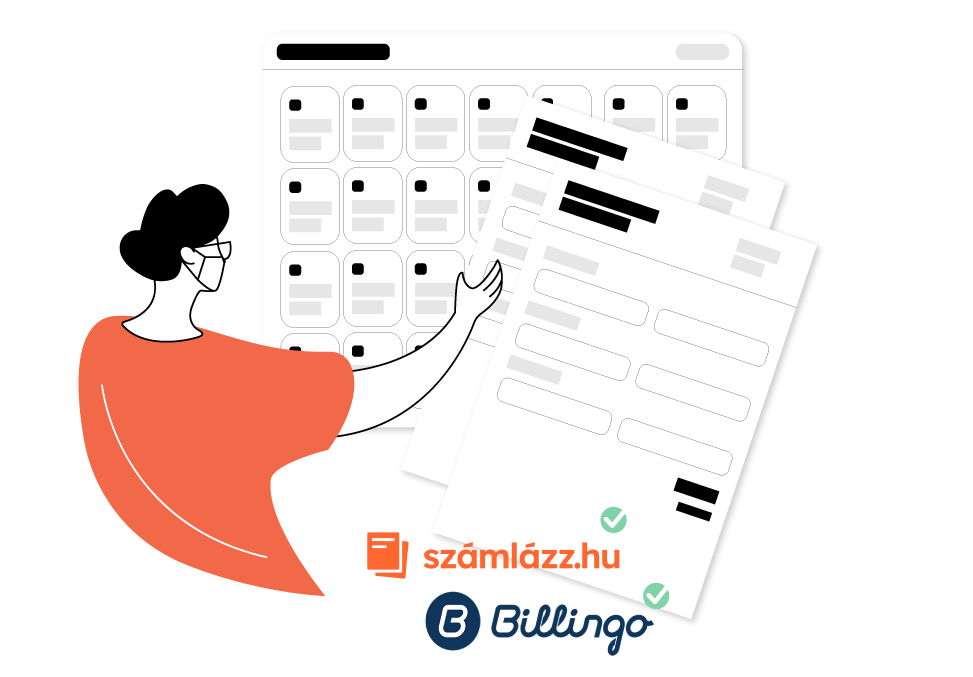
Clear costs and deadlines you can plan a patient around
Invoicing works from the lab sheet itself, so the administration happens inside the workflow rather than in a separate system.
- Számlázz.hu and Billingo integration — invoices issued from the items on the case.
- The laboratory can plan its capacity, and the clinic sees the expected completion date.
- Treatment appointments can be set against a realistic production cycle.
Live integrations, supported file connections and planned work are labelled separately. All integrations
What this changes day to day
In seconds
From speech to a structured lab sheet
The dentist describes the case, DentalSync transcribes it and sorts it into the lab sheet fields. Every field can be checked and corrected before sending.
In real time
Statuses and deadlines
A phase change in the laboratory is visible in the clinic immediately. Nobody has to call to ask where the case stands.
1 shared system
Clinic, laboratory and delivery
Data is entered once, and from there the lab sheet, the laboratory view, the delivery note and the invoice all work from it.
Filed to the case
Files, photos and conversation
Messages, attachments and status changes stay with the case in order and searchable — including on the day the colleague who handled it is out.
These describe what the product does, not a measured result. We publish a figure only when there is a measurement behind it.
One dental case should not live in five different places.
Today a single crown travels through five or six channels. Each one is another search, another thing to remember, another way to get it wrong.
DentalSync attaches every piece of information to the right case, so the team never has to remember where something was said.
Paper lab sheet
Handwriting, missing fields
Phone call
No record of it
WhatsApp message
Photo on a private phone
Email attachment
Which version is current?
Scanner portal
Separate login, separate file
Courier tracking
On a third site
One case
CASE–2481 · Zirconia crown
- Lab sheet, tooth map and specification
- STL, clinical photos and documents
- Questions and answers tied to the case
- Work phases, owner and deadline
- Delivery both ways, tracked
- Price and invoice on the same case
One workflow, clinic to laboratory and back
Not four steps in four systems. Four states of the same case.
-
1
Clinic
The clinic creates the case
By dictation, with a digital lab sheet, tooth map, photos and scanner files.
New case
- Voice entry
- Tooth map: 14, 15, 16
- Medit Link scan attached
- Clinical photo from mobile
-
2
Laboratory
The laboratory starts with the full picture
Every specification, file and deadline arrives structured.
Incoming case
- Zirconia crown · 3 units · A2
- STL + 2 photos
- Committed deadline: Thursday
- Technician: G. Tóth
-
3
Laboratory
Everyone sees the same status
Phases, owners, questions and changes are followed in real time.
Work phases
- Model work · done
- Framework try-in · in progress
- Layering · next
- Question to the clinic · 1
-
4
Clinic
Delivery and settlement close the loop
Tracked handover, return and the financial administration attached to the case.
Closing
- Courier: GLS · in transit
- Return confirmed
- Price from the price list
- Invoice filed to the case
One case, three points of view
Everyone sees what their job needs — and only what they are permitted to see.
Less typing, a more reliable appointment
- Create a case with minimal typing, by dictation.
- The laboratory’s expected price and deadline are visible as you create it.
- Photos and files go from your phone straight to the right case.
- No status calls needed.
- The treatment appointment can be planned on real information.
One overview of the whole clinic
- Every dentist and every case in one shared overview.
- Deadlines, costs and blockages are visible.
- Permissions, responsibilities and detailed reports.
- Less hidden admin and fewer communication errors.
Fuller orders, plannable capacity
- More accurate and complete orders, with fewer questions back.
- Incoming work, capacity, technicians and deadlines in one calendar.
- Internal phases kept separate from what the clinic sees.
- Less file hunting and manual status reporting.
- Delivery, pricing and invoicing tied to the case.
What DentalSync actually takes off your day
Four things you stop doing by hand.
Say it, don’t type it
Dictated case notes become a structured lab sheet. You review it before it goes. And it reaches the laboratory in their language.
Detected fields
- Patient
- Béla Kovács
- Work
- Zirconia crown
- Teeth
- 14, 15, 16
- Shade
- A2
- Deadline
- Thursday
Every file, status and deadline on one case
STL, clinical photo, document, work phase and committed date — all filed where they belong, and a phase change shows up on the other side immediately.
Delivery, price and invoice from the same case
A preliminary cost from the laboratory’s price list, a tracked handover and return, and an invoice through Számlázz.hu or Billingo — all working from one record.
The laboratory sees its whole capacity
Incoming work, calendar, technician assignment and workload in one view.
AI voice entry
Dictate the case. DentalSync structures it.
The dentist describes the work in natural language and DentalSync fills in the structured fields. Every field can be checked before sending. If the laboratory works in another language, the sheet reaches them translated.
The demonstration below is a pre-recorded example. This page does not switch on your microphone and sends no audio.
DentalSync sorts what was said into fields. It makes no clinical decision and no diagnosis — the dentist remains responsible for the professional content.
- You speak
- Detected fields
- Translated
- Structured lab sheet
- Review
- Send to the laboratory
Béla Kovács needs a zirconia crown on teeth fourteen, fifteen and sixteen, shade A2, by Thursday.
- Patient
- Béla Kovács
- Work
- Zirconia crown
- Teeth
- 14, 15, 16
- Shade
- A2
- Deadline
- Thursday
Read in the partner’s language
Hungarian Cirkon korona German Zirkonkrone
The laboratory reads the lab sheet in their own language. The recorded data does not change — only how it is shown.
Every field stays editable before the case is sent.
Integrations
It does not replace the tools that work. It connects them.
Your scanner, your design software, your invoicing and your courier can stay — including a chairside setup that scans, designs and mills in the practice. DentalSync sits between them, not in their place.
- Live integration
- Supported file and workflow connection
- Planned
-
Medit Link Live integration
Scanned cases and files linked in, with product pairing.
-
Shining 3D Live integration
Scanner connection and product pairing, with live events.
-
exocad Supported file and workflow connection
Designs and STLs authored in exocad can be attached to the case. There is no direct software integration yet.
-
SmileCloud Planned
Requested integration, not available today.
-
STL Supported file and workflow connection
Scanned and designed models attached to the case.
-
JPG / PNG Supported file and workflow connection
Clinical and shade photos, from mobile too.
-
PDF Supported file and workflow connection
Lab sheets, delivery notes and documents.
-
QR Live integration
Scan the case’s QR code to upload from your phone, without a separate login.
-
GLS Live integration
Booking and tracking inside the workflow.
-
DPD Live integration
Booking and tracking inside the workflow.
-
MPL Live integration
Booking and tracking inside the workflow.
-
FoxPost Live integration
Parcel locker booking and tracking inside the workflow.
-
Your own courier Supported file and workflow connection
The clinic’s or the laboratory’s own driver can be recorded and tracked too.
-
Számlázz.hu Live integration
Invoices issued from the items on the case.
-
Billingo Live integration
Invoices issued from the items on the case.
Do the maths
How much admin does clinic–laboratory coordination cost you today?
Set your own numbers. The estimate works from your assumptions — it is not a guaranteed DentalSync result.
This is an estimate based on your own assumptions. DentalSync does not guarantee that you will save this much.
80 cases
12 min
15 times
40%
- Admin per month
- 0 hours
- Admin per year
- 0 hours
- Annual time cost
- —
- Time saved per year
- 0 hours
- Cost saved per year
- —
An illustration, not a forecast. The figures follow the numbers you entered and the improvement you assumed; your actual result depends on how your clinic and laboratory work.
Assumptions
- A status call averages 4 minutes, including picking the interrupted work back up.
- The improvement figure is your estimate, not a measured DentalSync result.
- The calculation looks at gross working time, not added capacity or revenue.
We would rather look at your real numbers than at these ones.
Let’s look at your own workflow in a 15-minute demoDemo
In 15 minutes we walk through your own clinic–laboratory workflow.
- A live DentalSync walkthrough on a real workflow.
- A review of your current scanner and laboratory process.
- The next steps for rollout and integration.
- Free, with no obligation.
Demo or free trial?
Demo — when you want it shown against your own workflow and want to talk about rollout.
Free trial — when you want to try it right now, by yourself.
Try it freeGot it, thank you.
We will get in touch on the details you gave and arrange a 15-minute slot.
In the meantime you can also start the free trial.
Try it freeWe could not send that.
Please try again, or write to us directly at marketing@dentalsync.eu.
Pricing
Transparent pricing, nothing hidden
Prices are gross and include 27% VAT. A monthly fee plus a fee per case sent — that is all.
Basic
9 900 Ft / month
or 95 040 Ft / year — save 20%
+ 300 Ft / case sent
- Users
- 10 users
- Cases sent per month
- Unlimited
Pro
19 900 Ft / month
or 191 040 Ft / year — save 20%
+ 300 Ft / case sent
- Users
- Unlimited
- Cases sent per month
- Unlimited
One-off onboarding fee
Personal setup and integration: 100 000 Ft. Waived for organisations registering before 5 Nov 2026.
Free trial
After registration the full Pro plan is available for 60 days, with no credit card. When the trial ends we move you to the Free plan automatically — nothing is charged.
All prices shown are gross, in Hungarian forint.
Security and data protection
Access and control designed for patient data.
We work with dental records, so access and traceability are not an afterthought.
GDPR-aligned processing
A data processing agreement with every organisation, with acceptance logged.
Role-based permissions
Everyone sees only what their job entitles them to.
Encrypted transfer
Both the connection and file uploads run over an encrypted channel.
Logged history
Status changes, messages and edits stay searchable and attributed to a user.
Data export and deletion
Your data can be exported, and deleted on request.
No advertising or model training
Patient data is never used for advertising, profiling or AI model training.
Documents
FAQ
Frequently asked questions
No. DentalSync sits alongside your existing tools. Medit Link and Shining 3D have a live integration; from other systems you attach the file (an STL, for example) directly to the case. A chairside workflow that never leaves the practice is recorded the same way as one sent to an external laboratory.
Yes. The lab sheet, tooth map, deadline, delivery and settlement work the same for a conventional impression case — photos and documents take the place of the scan files.
Yes. Both sides have their own organisation in the system and confirm the clinic–laboratory relationship mutually. That is what the permissions rest on: the laboratory sees its own cases, not the clinic’s whole record.
Yes. Your own driver is recorded and tracked in the workflow just like GLS, DPD, MPL or FoxPost. Using DentalSync does not require changing courier.
By upload from a computer, automatically from an integrated scanner, or from a phone by scanning the case’s QR code — which needs no separate login. The file always lands on the case the upload started from.
The clinic sees its own cases, their status, files and costs. The laboratory sees the work sent to it and its contents. The laboratory’s internal tasks and notes are separate from what the clinic sees, and permissions are configurable per role.
You can register and create your first case immediately. The length depends on how much existing data — price lists, products, users and partners — you bring in at the start; we help with that during onboarding.
Data is processed under the GDPR on the basis of a data processing agreement. Access is role-bound, changes are logged and transfer is encrypted. Patient data is never used for advertising, profiling or AI model training. The details are in the privacy notice.
The demo is a 15-minute tailored walkthrough of your own clinic–laboratory workflow. The free trial is self-serve: you register and start using the system straight away.
Not finding your question? Write to us
Don’t let the next case start in a thread of messages.
See in 15 minutes how every lab sheet, file, status and deadline can live in one shared workflow.
Tailored walkthrough · No obligation